Golf Simulator Space Requirements by Launch Monitor
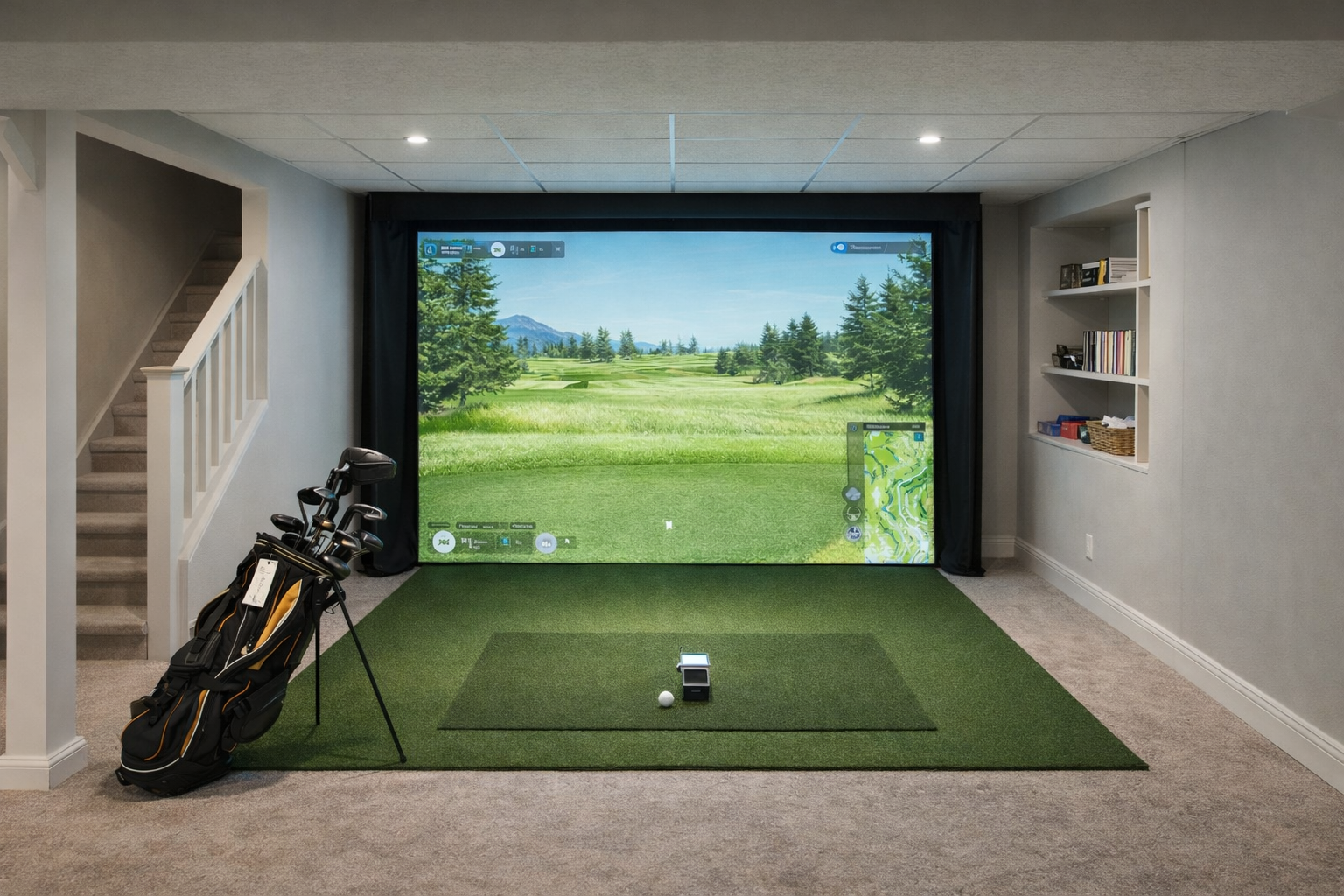
The safest way to choose a home golf simulator is to start with the room, then choose the launch monitor. A great monitor can still be the wrong buy if the room cannot give it the depth, width, ceiling height, lighting, or placement it needs.
Matching launch monitor style to room shape takes more than a spec sheet. The goal is to avoid buying a monitor that works beautifully in a demo bay but feels awkward in your basement, garage, or spare room.
Quick room-fit rules
- Tight depth: start with camera/photometric models that sit beside or near the ball rather than several feet behind it.
- Radar models: make sure you have room behind the ball plus enough ball flight into the net or screen.
- Mixed right/left-handed use: width and centered hitting matter more than most buyers expect.
- Low ceilings: test the actual golfer and longest club before buying screens, enclosures, or ceiling mounts.
Space requirements by style
| Launch monitor style | Room impact | Best fit | Watch out for |
|---|---|---|---|
| Camera / photometric beside the ball | Usually easier in shorter rooms | Basements, spare rooms, tighter garages | Side placement, lighting, hitting zone, left/right hand switching |
| Radar behind the ball | Needs extra depth behind the player and ball flight in front | Garages, deeper rooms, portable net setups | Short rooms, poor alignment, limited net distance |
| Overhead camera systems | Can free up floor space but needs a permanent mount | Dedicated simulator rooms | Ceiling height, installation, cost, room permanence |
| All-in-one screen/projector-style setups | Can simplify the build but still needs swing clearance | Higher-budget dedicated spaces | Assuming the device solves ceiling, width, or enclosure limits |
Model-specific guides
Use these when you are narrowing down a specific monitor and want to know whether it fits your room before you compare software, courses, or subscriptions.
The three measurements that matter first
Ceiling height decides whether you can swing safely. Depth decides whether the monitor, ball flight, mat, screen, and backswing can coexist. Width decides whether the setup feels natural, especially if left- and right-handed golfers need to use the same hitting area.
Why this matters for buying
Golf simulator shoppers often compare accuracy, software, and price first. Those matter, but room fit is the gatekeeper. If the room is too short, narrow, low, or awkward, the more expensive monitor may not feel like an upgrade.
Related room-fit guides
Room fit usually matters more than the launch monitor name on the box. Use the links below to check the whole build before buying.
More model-specific room checks
Radar units and overhead units create different room-fit questions than side-mounted camera units.
FlightScope Mevo+ spaceOverhead vs floorPhotometric vs radar
Mevo+ and software decision guides
These are useful if you are comparing radar launch monitors or trying to decide how much simulator software matters in the build.
Is Mevo+ worth it indoors?Mevo+ space requirementsGSPro vs E6 Connect
More launch monitor comparison paths
If your room can support more than one launch monitor style, these comparisons help narrow the final choice.
Garmin R50 vs SkyTrak+Square Golf vs SkyTrak+Launch Pro vs SkyTrak+