Garmin R50 vs SkyTrak+: Which Makes More Sense for a Home Simulator?
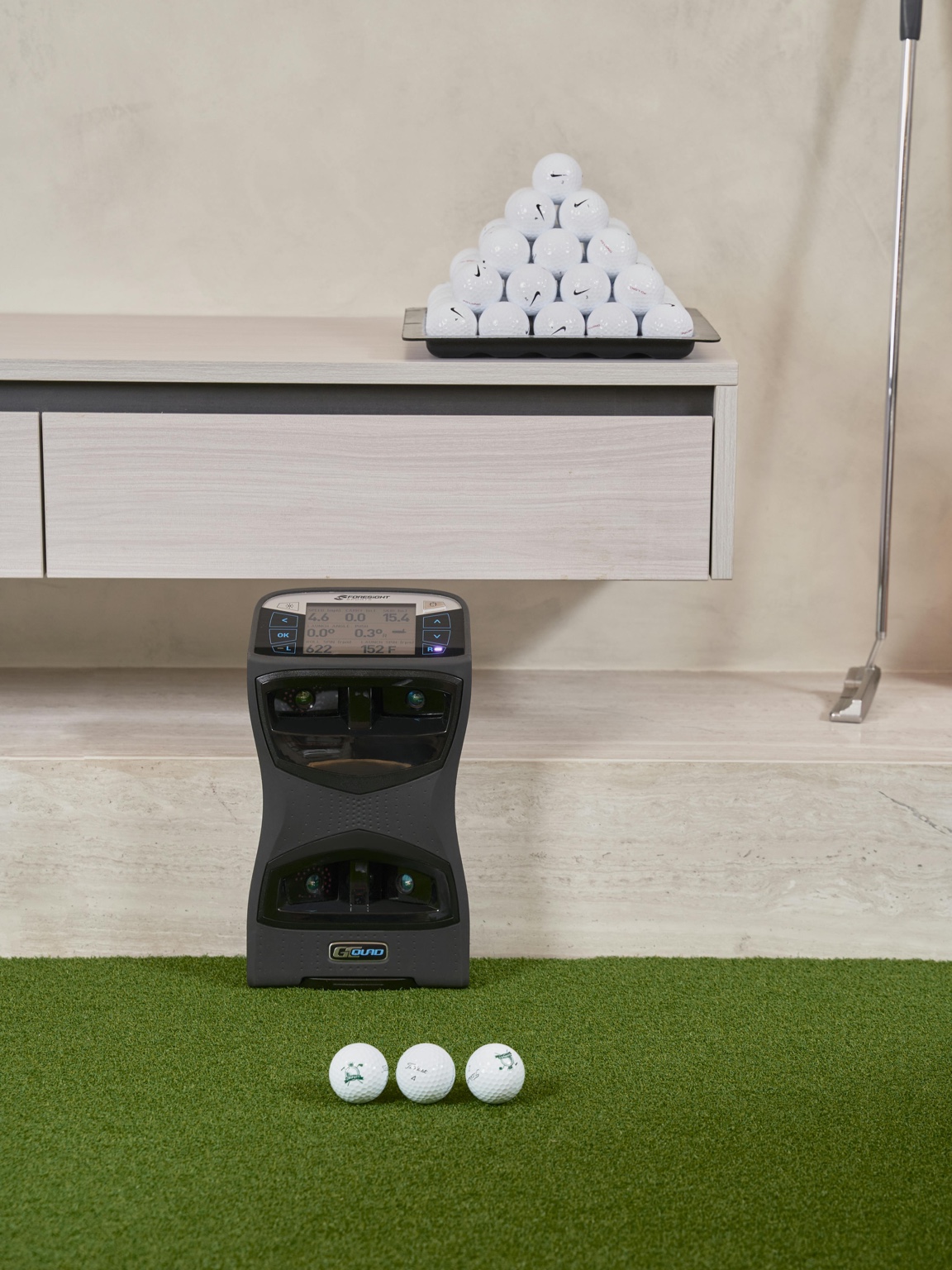
Garmin R50 vs SkyTrak+ is not just a specs comparison. It is a decision between an expensive all-in-one simulator screen and a more traditional launch-monitor-plus-device setup.
Quick answer
- Choose Garmin R50 if you want a cleaner all-in-one experience, the built-in 10-inch touchscreen matters, and you are comfortable spending more up front.
- Choose SkyTrak+ if you want a lower-cost serious indoor unit and are fine using a tablet, laptop, or connected display for the simulator side.
- For most value-focused home buyers, SkyTrak+ is easier to justify. For buyers who hate setup friction, the R50 is the cleaner luxury pick.
Some pages on this site may include affiliate links. Recommendations are still based on room fit, budget realism, and who each setup actually makes sense for. Read the affiliate disclosure.
Garmin R50 vs SkyTrak+: room-fit shortcut
The simplest split is room commitment. Garmin R50 makes more sense when the buyer wants a premium, integrated simulator centerpiece and has a room that can justify it. SkyTrak+ makes more sense when smaller-room flexibility matters more than having the most self-contained device.
- Lean R50: dedicated space, built-in screen value, HDMI or projector plan, cleaner all-in-one feel.
- Lean SkyTrak+: tighter indoor room, lower total spend, side-placement advantage, simpler small-room fit.
- Measure first: use Garmin R50 space requirements and SkyTrak+ space requirements before comparing software or price.
What the official specs tell us
Garmin positions the Approach R50 as a premium launch monitor with a built-in 10-inch color touchscreen, three-camera measurement, virtual rounds, and HDMI output. SkyTrak describes SkyTrak+ as a portable unit using dual Doppler radar for club data plus a photometric camera system for ball tracking. The practical difference is simple: R50 is trying to be the screen, computer, and launch monitor in one box; SkyTrak+ is the launch monitor at the center of a more modular setup.
Best fit by buyer type
Garmin R50 is better for
Golfers who want to walk into the room, turn on one device, and avoid feeling like every practice session starts with a laptop/projector/software checklist.
SkyTrak+ is better for
Buyers who want a strong indoor launch monitor but would rather put more of the total budget into the screen, mat, enclosure, projector, or software.
Neither is perfect if
Your room is too tight, your ceiling is marginal, or you are still unsure whether you want a net, impact screen, TV, or projector setup.
Room fit and setup friction
Both units can work well indoors, but they solve different problems. SkyTrak+ is compact and sits near the ball, which helps in tighter spaces. R50 can make the room feel simpler because you are not as dependent on another screen for basic use, but you still need safe swing space, ball flight space, and a sensible display plan if you want a full simulator feel.
Garmin Approach R50 vs SkyTrak+: the real split
The R50 is the more self-contained, premium-feeling device. SkyTrak+ is the more traditional home-simulator building block. That difference matters more than the spec table.
| What you care about | Garmin Approach R50 | SkyTrak+ |
|---|---|---|
| All-in-one feel | Stronger. Garmin’s official page highlights the 10-inch touchscreen and three-camera measurement system. | Less all-in-one. It is more dependent on your app/software/device setup. |
| Classic home simulator build | Good, especially if you like the built-in screen and Garmin ecosystem. | Very natural fit for a home bay built around a separate screen, software, and display. |
| Budget control | Harder. The R50 is a premium purchase. | Easier relative to R50, though still not a cheap build once subscriptions and room gear are included. |
| Buyer confidence | Best if you want fewer devices involved. | Best if you want the more familiar SkyTrak simulator path. |
Which one would I build around?
If I wanted a polished premium unit and did not want to feel like every practice session required a laptop/tablet puzzle, I would lean R50. If I were building a more conventional dedicated simulator bay and wanted to keep more budget available for projector, screen, enclosure, mat, and software, I would lean SkyTrak+.
The trap is comparing the device price only. A strong simulator setup is the full system: launch monitor, room fit, screen/net, projector or display, mat, software, and how quickly you can start hitting balls after dinner.
Read these before deciding
Garmin R50 space requirementsSkyTrak+ space requirementsSpace requirements by monitorRoom size guide
Budget reality
The R50 is easier to want than it is to justify. Its built-in screen and all-in-one design are genuinely appealing, but the money has to come from somewhere. If choosing the R50 forces you into a cheaper mat, weaker net, or compromised enclosure, the total room may not feel better. SkyTrak+ often leaves more budget for the pieces you touch and hit into every session.
Which would I buy?
For a polished, low-friction setup where budget is not the limiting factor, Garmin R50 is the more exciting choice. For a serious home simulator where the total room still has to make financial sense, SkyTrak+ is the more practical pick for most buyers.
Related comparisons
SkyTrak+ vs Mevo+SkyTrak+ vs Garmin R10Launch Pro vs SkyTrak+All comparisons