Best Launch Monitor Under $1,000
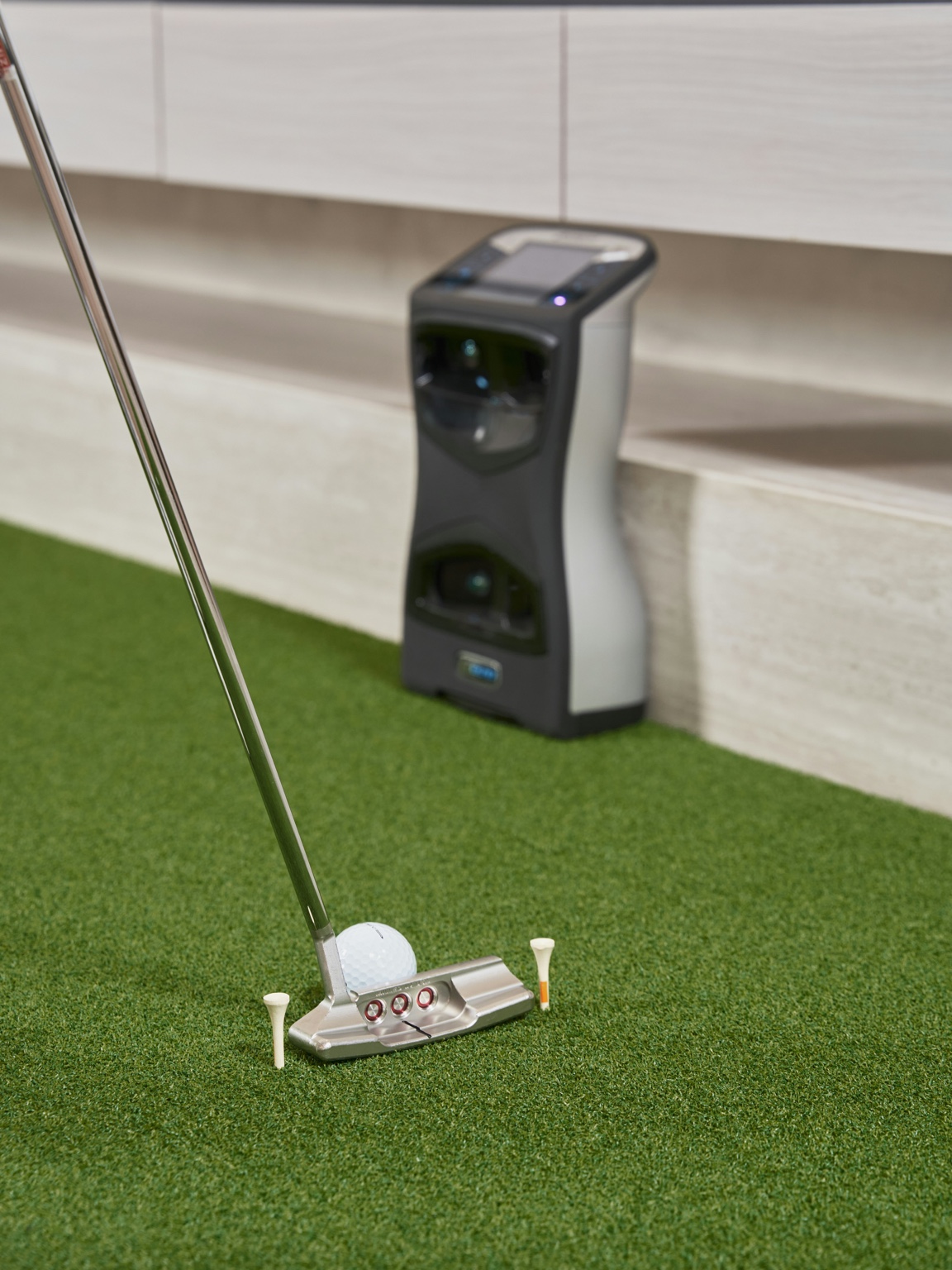
A good sub-$1,000 shortlist is for buyers who care less about owning the most impressive device and more about getting a workable starting point without overspending. The mistake is treating every low-cost launch monitor like a bargain when some are really just cheaper ways to be disappointed indoors.
Quick product links
Use these links to check current pricing and compare your options. Start with Amazon if you want fast price comparison, then use the official site when you need model details, software info, or package specifics.
Garmin R10
Rapsodo MLM2PRO
SkyTrak
At this budget, the best choice is usually the monitor that fits your room and expectations cleanly, not the one that promises the most. Good enough matters a lot here.
How this site approaches recommendations
IndoorGolfSetup.com is built around room fit, budget realism, and long-term livability rather than just spec-sheet hype. The goal is to help buyers choose a setup that actually fits their space and feels worth owning after the novelty wears off.
Some pages on this site may include affiliate links. That does not change the recommendations: the goal is still to sort products by room fit, budget, and who each option actually makes sense for. Read the full affiliate disclosure.
- Best overall under $1,000: the monitor that gives you the cleanest mix of value and simulator usefulness
- Best for true budget buyers: simplest worthwhile entry point
- Best for stretching your budget: the option that feels less compromised indoors
- Best for practice-first buyers: the one that makes the most sense if simulator polish is not your top priority
What matters under $1,000
Indoor fit matters more than feature count
In this range, buyers get tempted by long lists of metrics and app features. That usually matters less than whether the monitor actually suits the room and the type of simulator setup you want.
You are shopping for good enough, not perfect
That is not a weakness. It is just the reality of this price range. The better buy is the one you can use happily for a while, not the one you spend months defending because it was cheap.
The smartest ways to shop this tier
Best for most buyers under $1,000
The best overall answer in this range is usually the option that balances simulator usefulness, decent room compatibility, and expectations you can actually live with. It does not need to be premium. It just needs to stop being frustrating.
Best for true entry-budget buyers
If your goal is simply to get into home simulation without spending more yet, a lower-cost starter can be the right move. The key is understanding that you are buying a good first step, not a forever answer.
Best if you can stretch a little
Sometimes the right answer in this range is not squeezing harder under the ceiling. It is admitting that a modest stretch can buy a noticeably better indoor experience and save you from upgrading too soon.
Who should skip this category
- Buyers with tight or awkward rooms who need the setup to feel easy indoors.
- Anyone who already knows they will care about higher-end indoor performance.
- Buyers who will be annoyed by every compromise after the first few weeks.
Bottom line
The best launch monitor under $1,000 is the one that gives you a clean honest entry point. That usually means realistic indoor expectations, simpler goals, and a willingness to buy for the room you have instead of the simulator setup you wish you had.
See the full budget roundup Compare Garmin R10 vs MLM2PRO Check budget tiers Read the Garmin R10 good-enough page
Under $1,000: what you are really buying
Under $1,000 is not the “perfect home simulator” tier. It is the tier where you decide which limitation you can live with: radar spacing, subscriptions, marked balls, simpler data, smaller software ecosystems, or a setup that is more practice-first than entertainment-first.
Choose Garmin R10 if
You want the lowest-cost credible way into launch-monitor practice and occasional simulator play. Garmin’s official R10 page positions it around portable practice metrics and virtual rounds, which is exactly the right expectation for it.
Choose MLM2PRO if
You want the budget option that feels more simulator-aware. Rapsodo emphasizes course access, Impact Vision, and simulator compatibility, so it makes more sense when virtual play is part of the plan from day one.
Consider Square Golf if
Your priority is an indoor-friendly camera-style setup and you want to avoid the space demands that can come with radar. Confirm current pricing and software access before assuming it is the cheaper long-term path.
The under-$1,000 mistake to avoid
Do not spend the entire budget on the launch monitor and then pair it with a poor mat, cramped net, dim projector, or unsafe screen distance. In this price range, a balanced setup usually beats the most exciting device sitting in a bad room.
- If your room is short, prioritize placement and ball-flight requirements.
- If you want GSPro or E6, check compatibility and subscription costs before ordering.
- If you mostly want practice numbers, you may not need full simulator software right away.
Best next reads
Starter budget paths
If you are trying to stay very lean, separate the launch monitor budget from the full room budget.
Best simulator under $1,000Build your own setupComplete vs essentials packages